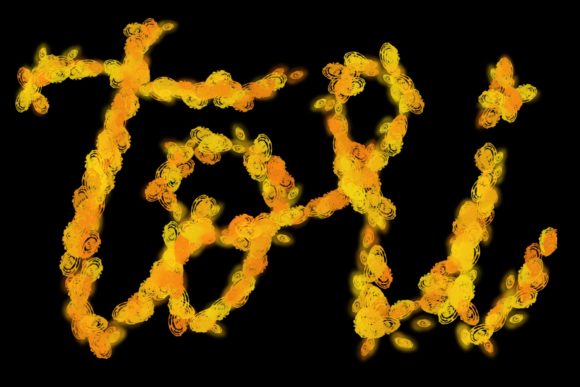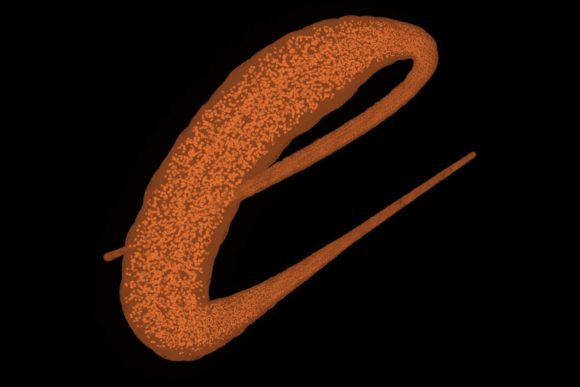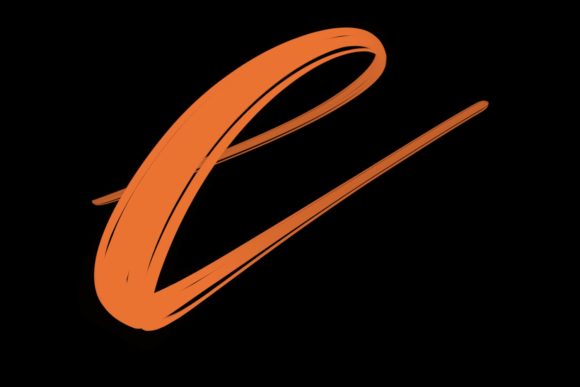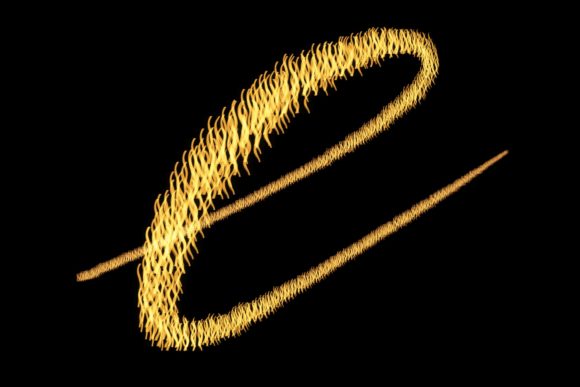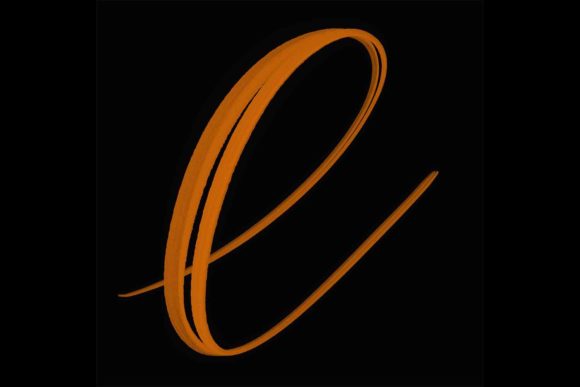
Elevate Design with Chun Brush
In the rapidly evolving landscape of digital illustration, the tools you choose define not just your workflow, but the very soul of your visual output. For designers seeking to infuse their projects with organic warmth and handcrafted elegance, Chun Brush for Procreate 5 and Above emerges as an essential asset. This specialized toolset bridges the gap between traditional calligraphy and modern digital design, offering a seamless way to create typography that feels authentic, personal, and visually striking.
The Power of Hand-Drawn Typography in Branding
Typography is the voice of your brand. In an era where minimalism often dominates visual design, there is a growing demand for elements that convey humanity and connection. Hand-lettered fonts and brush scripts provide this emotional resonance. The Chun Brush for Procreate 5 and Above is meticulously hand-drawn and designed primarily for lettering and modern calligraphy, allowing creators to produce elegant letters that stand out in a crowded digital marketplace.
When integrated into a brand identity, these custom letterforms can significantly enhance recognition. Unlike standard system fonts, bespoke calligraphy offers uniqueness that competitors cannot easily replicate. Whether you are crafting a luxury logo or a playful social media graphic, the fluid strokes and varying pressure sensitivity of this brush set enable a level of nuance that static fonts simply cannot achieve.
Versatile Applications for Modern Creatives
The utility of this brush extends far beyond simple text creation. It serves as a foundational element for a wide array of creative projects. By leveraging the natural texture and flow of the Chun Brush, designers can elevate various mediums:
- Logo Design: Create distinctive monograms and wordmarks that exude sophistication.
- Wedding Stationery: Design elegant invitations and save-the-dates that feel personal and high-end.
- Social Media Graphics: Craft eye-catching quote images and promotional posts that stop the scroll.
- Packaging Design: Add artisanal touches to product labels that suggest quality and care.
- Editorial Layouts: Enhance magazine spreads or blog headers with decorative typographic accents.
Furthermore, this brush is perfect to jazz up your workspace and home through printed art pieces, blending professional graphic design skills with personal decor. The versatility allows for consistent application across both digital and print mediums, ensuring your visual hierarchy remains intact regardless of the platform.
Technical Precision and Workflow Integration
To fully harness the potential of this tool, understanding its technical requirements is crucial. The Chun Brush for Procreate 5 and Above is engineered specifically for the iPad Pro ecosystem. It relies heavily on the advanced pressure sensitivity provided by the Apple Pencil. This synergy allows for dynamic line weight variation, mimicking the natural behavior of ink on paper.
It is important to note that this brush is only suitable for the Procreate app on iPad Pro with a compatible pressure-sensitive stylus like the Apple Pencil. It is not suitable for Photoshop or any other application or computer software. This specificity ensures that users experience the intended performance without compatibility issues, streamlining the design workflow. By focusing on a single, optimized platform, the brush delivers predictable results, which is vital for maintaining consistency in professional digital marketing campaigns and client deliverables.
Tips for Effective Implementation
Integrating hand-lettered elements into a broader design system requires a keen eye for balance. Here are some professional recommendations for using the Chun Brush effectively:
- Maintain Readability: While artistic flair is important, ensure that the core message remains legible. Avoid overly complex ligatures in body text.
- Harmonize with Color Palettes: Pair the organic lines of the brush with a cohesive color palette that supports the mood of the lettering.
- Respect White Space: Hand-drawn typography often benefits from generous breathing room. Do not crowd the letters; let them stand out against clean backgrounds.
- Scale Appropriately: Test your designs at various sizes. What looks intricate on a large iPad screen may lose detail when scaled down for a mobile UI design element.
By adhering to these principles, you ensure that your use of the brush enhances rather than distracts from the overall communication goal. The result is a polished, professional presentation that aligns with current design trends while maintaining timeless appeal.
Ultimately, the choice of creative assets reflects the quality of the final product. Investing in specialized tools like the Chun Brush for Procreate 5 and Above empowers designers to push beyond generic templates. It enables the creation of unique, memorable visuals that strengthen brand identity and engage audiences on a deeper level. In a world saturated with digital noise, the human touch of genuine calligraphy remains a powerful differentiator, proving that thoughtful design choices continue to drive meaningful connection and aesthetic excellence.