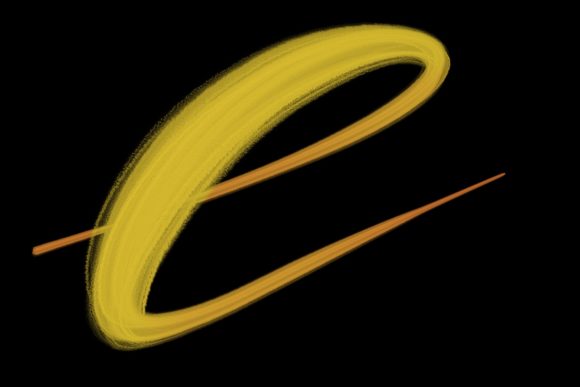
Pose Brush for Procreate 5+
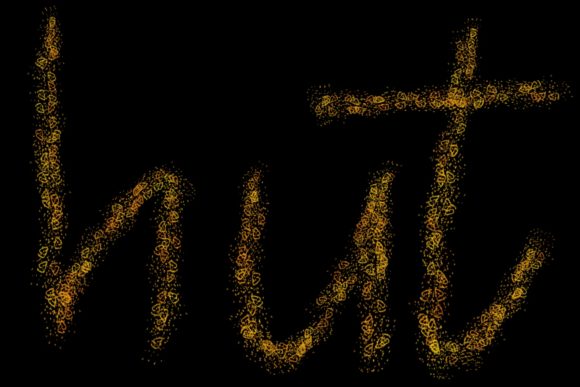
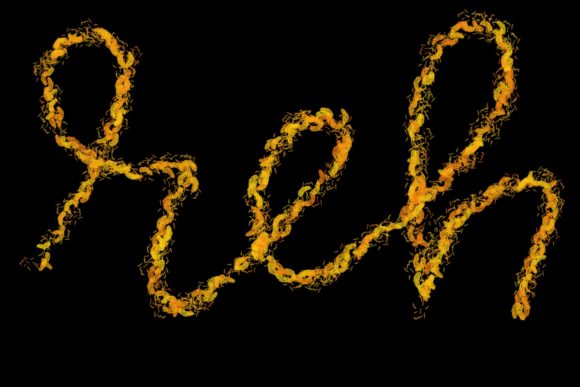
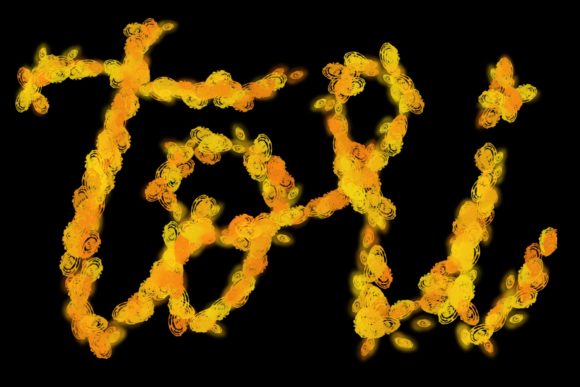
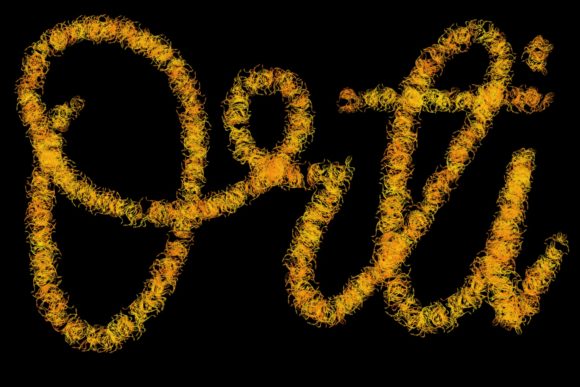
Digital art has evolved from a niche hobby into a vital tool for communication, branding, and personal expression. At the heart of this evolution are the tools we choose to wield. Among the myriad options available for iPad users, the Pose Brush for Procreate 5 and Above stands out as a specialized instrument designed to bridge the gap between traditional calligraphy and modern digital design. While many brushes offer generic strokes, this specific set is hand-drawn and engineered primarily for lettering and modern calligraphy designs. It allows artists to create elegant letters, quote designs, greeting cards, logos, and wedding stationery with a level of authenticity that mimics the tactile feel of ink on paper.
Understanding the Tool
Before diving into how different users can leverage this asset, it is essential to understand what the Pose Brush actually is. Unlike standard round or square brushes that rely solely on algorithmic pressure sensitivity, this brush set is crafted to replicate the nuanced behavior of hand-lettering tools. The strokes are designed to respond dynamically to the angle and pressure of your stylus, creating thick downstrokes and delicate upstrokes characteristic of classical calligraphy.
However, there is a critical technical constraint to consider. The Pose Brush for Procreate 5 and Above is exclusively compatible with the Procreate app on iPad Pro devices using a pressure-sensitive stylus, such as the Apple Pencil. It is not suitable for Photoshop, desktop software, or non-pressure-sensitive inputs. This specificity ensures high-quality output but requires users to have the correct hardware ecosystem. For those equipped with an iPad Pro and Apple Pencil, the brush becomes a powerful extension of their creative intent.
Why Different Audiences Care
The value of a digital brush varies significantly depending on who is holding the stylus. A beginner looks for forgiveness and ease of use, while a professional prioritizes consistency and commercial viability. Here is how various groups might evaluate and utilize this tool.
For Beginners and Hobbyists
If you are new to digital lettering, the learning curve can be steep. Traditional calligraphy requires years of muscle memory to master the flow of ink. The Pose Brush simplifies this by embedding some of that physical logic into the digital stroke. For hobbyists, this means you can start creating visually appealing quote designs and greeting cards much faster than you would with a basic round brush.
The primary priority here is learning value and creativity. Beginners can experiment with layout and composition without getting bogged down by the technical difficulties of simulating brush behavior manually. It serves as an educational tool, helping users understand how pressure affects line weight, which is a fundamental skill in typography.
For Freelancers and Small Business Owners
Entrepreneurs, marketers, and small business owners often need to produce high-quality visual content quickly. Whether you are designing a logo for a local bakery or creating social media graphics for a boutique, the aesthetic quality of your typography matters. The Pose Brush for Procreate 5 and Above offers a handmade look that feels authentic and premium, which can elevate brand perception.
For this audience, speed and commercial value are key. Instead of outsourcing every handwritten element to a specialist, a freelancer can create custom lettering in-house. The ability to generate unique logos and wedding stationery designs directly on an iPad allows for rapid iteration and client presentations. The hand-drawn nature of the brush ensures that each piece feels unique, avoiding the sterile look of standard fonts.
For Professional Designers and Calligraphers
Experienced designers may question the need for a preset brush when they can customize their own. However, the value here lies in reliability and workflow efficiency. A well-designed brush set like Pose saves time on setup. Professionals can focus on the artistic direction rather than tweaking brush engine settings.
Moreover, professionals often work on tight deadlines. The consistency of the Pose Brush allows for faster execution of complex projects like editorial headers or packaging design. It acts as a jazz-up for the workspace, providing a reliable tool that performs predictably across different projects. For those specializing in modern calligraphy, this brush set provides a digital equivalent to their favorite physical nibs, allowing them to transition seamlessly between analog and digital mediums.
For Educators and Content Creators
Educators teaching digital art or typography can use the Pose Brush to demonstrate principles of letterform construction. Because the brush responds clearly to pressure changes, it is an excellent visual aid for students learning the dynamics of calligraphy. Bloggers and content creators can also use it to create custom headers and featured images that stand out in a sea of stock photography.
The priority for this group is presentation and engagement. Unique, hand-lettered titles capture attention more effectively than generic typefaces. By incorporating these elegant letters into their content, creators can establish a distinct visual identity that resonates with their audience.
Practical Applications and Use Cases
To help you determine if this tool matches your goals, consider these practical scenarios:
- Wedding Stationery: Create intricate invitations and place cards with a romantic, hand-written feel. The elegance of the brush suits formal events perfectly.
- Social Media Quotes: Design inspirational quotes for Instagram or Pinterest. The varying line weights add visual interest and encourage shares.
- Logo Design: Develop bespoke logotypes for brands that want to appear artisanal or approachable. The organic nature of the strokes adds warmth to corporate identities.
- Greeting Cards: Produce personalized cards for holidays or special occasions. The ability to customize every letter makes each card feel thoughtful and unique.
Evaluating Fit: Is This Brush for You?
Deciding whether to invest time in learning the Pose Brush for Procreate 5 and Above depends on your specific needs and constraints. Consider the following factors:
- Hardware Compatibility: Do you have an iPad Pro and an Apple Pencil? If you are using an older iPad model without pressure sensitivity or a different tablet brand, this brush will not function as intended. It is strictly for the Procreate ecosystem on compatible hardware.
- Project Type: Are you working on projects that benefit from hand-lettered aesthetics? If your work is primarily geometric, technical, or photo-realistic, a calligraphy brush may have limited utility. However, if you frequently design text-based graphics, this tool is highly relevant.
- Skill Level: While beginners can use it to learn, those with no interest in typography may find it niche. It is best suited for individuals who want to incorporate lettering into their broader design practice.
- Workflow Preferences: Do you prefer working on an iPad? The mobility of the iPad Pro combined with this brush allows for creation anywhere, from a coffee shop to a client meeting. If you are tied to a desktop workflow, this tool does not integrate with Photoshop or other computer software.
Maximizing Your Creative Potential
To get the most out of the Pose Brush, experiment with pressure sensitivity settings within Procreate. Adjusting the streamline feature can help smooth out shaky hands, which is particularly useful for beginners. For professionals, combining this brush with texture overlays can add depth and realism to digital pieces, making them indistinguishable from traditional media.
Remember that tools are only as good as the intent behind them. The Pose Brush for Procreate 5 and Above is not just a collection of pixels; it is a gateway to expressing personality through typography. Whether you are jazzing up your home workspace with personalized art or creating commercial assets for clients, this brush offers the flexibility and elegance needed to bring your vision to life. By understanding its limitations and leveraging its strengths, you can enhance your digital toolkit and expand your creative possibilities.