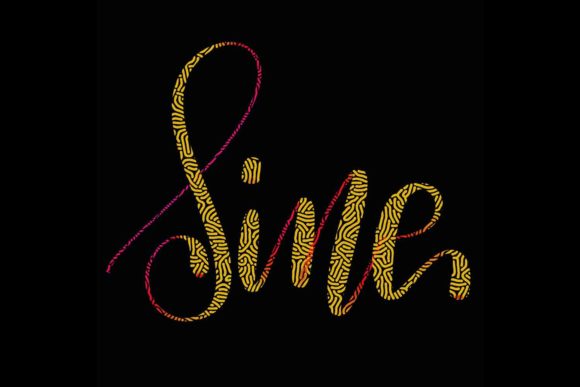
Sine Brush for Procreate 5 and Above
Digital lettering has evolved from a niche hobby into a fundamental skill for modern creatives. Whether you are designing a wedding invitation, crafting a social media quote, or building a brand identity, the quality of your typography speaks volumes before a single word is read. The Sine Brush for Procreate 5 and Above emerges as a specialized tool designed to bridge the gap between traditional ink flow and digital precision. It is not merely a preset; it is a hand-drawn instrument crafted specifically for those who value the organic feel of modern calligraphy within the iPad ecosystem.
This brush set is engineered to jazz up your workspace, offering a tactile response that mimics the resistance and fluidity of real-world nibs. For users operating on an iPad Pro with an Apple Pencil, this tool transforms the glass screen into a responsive canvas where pressure sensitivity dictates line weight with intuitive accuracy. However, understanding whether this specific brush aligns with your creative workflow requires looking beyond the marketing claims and examining how it serves different types of creators.
Understanding the Tool’s Core Functionality
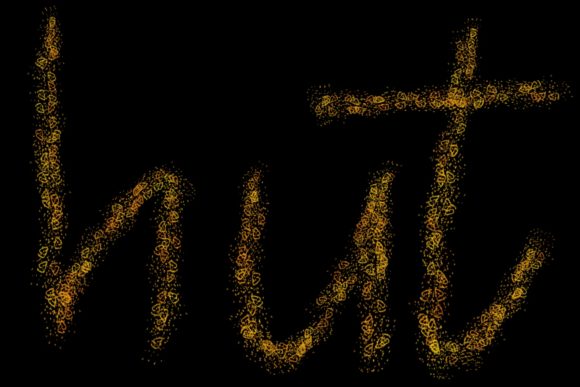
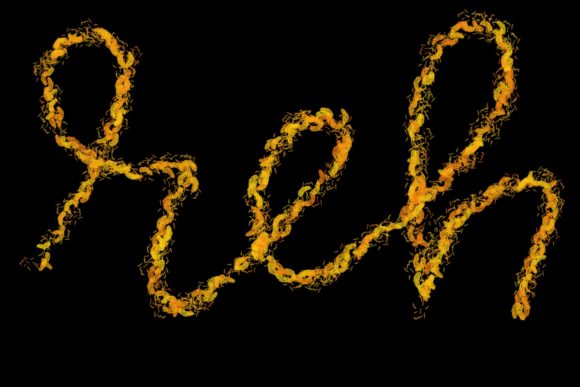
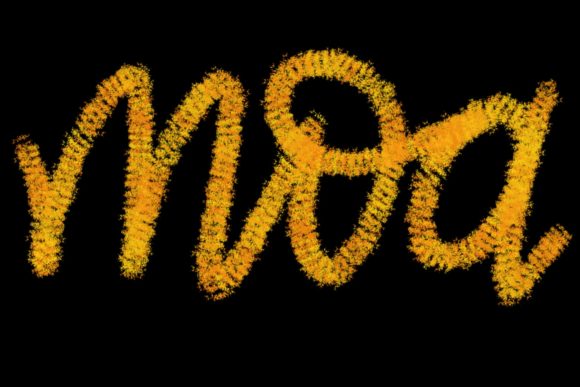
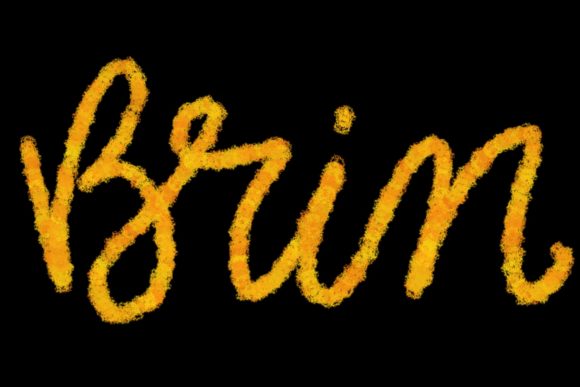
At its heart, the Sine Brush is designed for elegance and control. Unlike standard round brushes that offer uniform strokes, this tool is optimized for the dynamic variations required in lettering and modern calligraphy. The "hand-drawn" nature of its design means that the texture and tapering of each stroke feel less algorithmic and more human. This distinction is crucial for designers who want their digital work to retain warmth and personality.
It is important to note the technical constraints immediately. This brush is exclusively compatible with the Procreate app on iPad devices equipped with a pressure-sensitive stylus, such as the Apple Pencil. It does not function in Photoshop, Illustrator, or on desktop computers. This limitation is not a drawback but a specialization. By focusing entirely on the Procreate environment, the brush leverages the specific engine capabilities of version 5 and above, ensuring smooth performance and reliable pressure response that generic brushes might lack.
Perspectives for Beginners and Hobbyists
For those just starting their journey into digital art, the learning curve can be steep. Beginners often struggle with stabilizing their lines and understanding how pressure affects stroke width. The Sine Brush can serve as an excellent educational tool in this context. Because it is designed specifically for lettering, it provides immediate visual feedback. When a novice applies too much pressure, the brush responds with a bold downstroke; when they lift slightly, it creates a delicate hairline. This cause-and-effect relationship helps learners internalize the mechanics of calligraphy faster than using a standard pen tool.
Hobbyists, who may use their iPads for relaxation rather than commercial gain, will appreciate the ease of use. There is no need to tweak complex settings or manage intricate layer styles. The brush works out of the box, allowing users to focus on the joy of creation. Whether you are journaling, creating personal greeting cards, or experimenting with quote designs for fun, the Sine Brush lowers the barrier to entry for producing polished-looking text.
Value for Professionals and Freelancers
For professional graphic designers, illustrators, and freelancers, time is money. The primary concern here is reliability and commercial viability. Can this brush handle client work? The answer lies in its versatility. The Sine Brush allows professionals to create high-quality assets quickly. Instead of spending hours vectorizing hand-lettered sketches in other software, a designer can produce final-ready artwork directly in Procreate.
Consider a freelancer tasked with designing a logo for a boutique coffee shop. Using the Sine Brush, they can sketch elegant, custom lettering that feels bespoke and artisanal. The ability to export high-resolution PNGs with transparent backgrounds means these designs can be seamlessly integrated into larger branding packages. For marketers and bloggers, this speed translates to consistent content production. Creating eye-catching headers for blog posts or inspirational graphics for Instagram becomes a streamlined process, maintaining a cohesive aesthetic across platforms without requiring extensive design hours.
Applications for Small Business Owners and Entrepreneurs
Small business owners often wear many hats, including that of the chief marketing officer. For entrepreneurs running Etsy shops, wedding stationary businesses, or local cafes, the Sine Brush offers a cost-effective way to maintain a premium brand image. Wedding stationary, in particular, relies heavily on the perception of elegance and personal touch. Digital calligraphy that looks hand-done allows small business owners to offer customized invitations and save-the-dates without the logistical challenges of traditional ink and paper proofs.
Furthermore, the flexibility of digital tools means that edits are non-destructive. A client wants a different color? A slight adjustment in hue takes seconds. Want to resize the text for a different card format? It scales perfectly. This adaptability is invaluable for small businesses that need to pivot quickly based on customer feedback or seasonal trends. The brush enables the creation of logos, packaging labels, and promotional materials that look professional and polished, enhancing the perceived value of the products being sold.
Educational and Creative Uses
Educators and content creators also find unique value in specialized lettering tools. Teachers creating digital worksheets or presentation slides can use the Sine Brush to add emphasis and visual interest to key concepts. Hand-lettered headings often capture student attention more effectively than standard fonts. Similarly, publishers and authors working on eBook covers or interior illustrations can use this brush to create chapter headers that match the tone of their narrative.
The creative potential extends beyond static images. With Procreate’s animation features, users can animate the writing process itself. This is particularly popular among social media influencers and educators who create tutorial content. Showing the formation of letters in real-time engages viewers and demonstrates skill, making the Sine Brush a valuable asset for building an online presence.
Evaluating Fit: Is This Brush for You?
Deciding whether to integrate the Sine Brush into your workflow depends on your specific goals and hardware. If you are a Windows user or prefer Adobe Illustrator for vector-based typography, this tool will not meet your needs. It is strictly for the iPad Procreate ecosystem. However, if you already own an iPad Pro and an Apple Pencil, and you find yourself frequently creating text-based graphics, this brush is a logical addition.
Consider your priorities:
- Ease of Use: If you want a tool that requires minimal setup and delivers consistent results, this brush excels.
- Creativity: If you seek to break away from standard system fonts and add a human touch to your designs, the organic feel of the Sine Brush is ideal.
- Commercial Value: For those selling digital products or services, the ability to produce high-quality, unique lettering quickly can directly impact revenue.
- Learning Curve: Beginners will find it forgiving, while experts will appreciate its responsiveness for detailed work.
Ultimately, the Sine Brush for Procreate 5 and Above is more than just a digital asset; it is a facilitator of expression. It empowers users to transform blank screens into elegant compositions, whether for personal enjoyment or professional profit. By understanding its specific strengths and limitations, you can determine if it aligns with your creative vision. For those ready to elevate their lettering game, this hand-drawn tool offers the perfect blend of tradition and technology, inviting you to explore the endless possibilities of modern digital calligraphy.