Mastering Atmosphere with the Clouds Brush for Procreate 5 and Above
In the rapidly evolving landscape of digital illustration, the demand for specialized tools that bridge the gap between technical precision and organic artistry has never been higher. For iPad users committed to the Procreate ecosystem, finding brushes that offer both reliability and aesthetic versatility is crucial. The Clouds Brush for Procreate 5 and Above emerges as a distinct asset in this crowded marketplace. While many digital brushes strive for hyper-realism or rigid geometric perfection, this tool focuses on texture, atmosphere, and softness. It is designed not just as a utility for background filling, but as a creative instrument capable of adding depth and mood to a wide variety of projects, from modern calligraphy compositions to intricate graphic designs.
Understanding the Design Philosophy
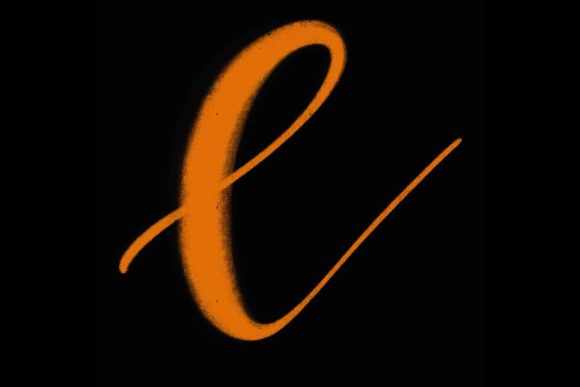
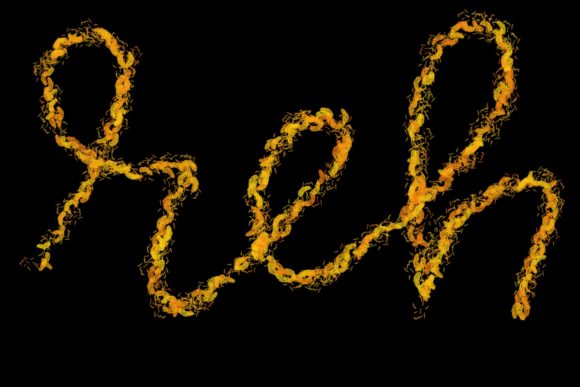
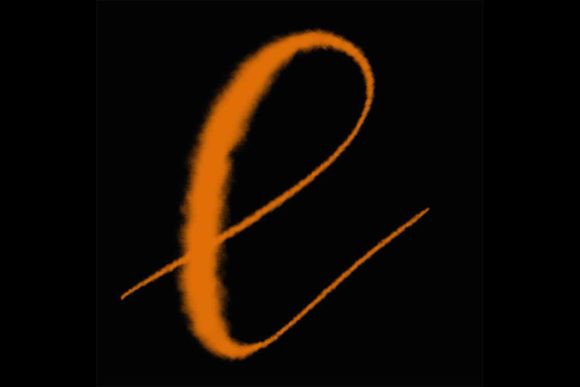
The core appeal of the Clouds Brush for Procreate 5 and Above lies in its hand-drawn origin. Unlike algorithmically generated textures that can often feel repetitive or sterile, this brush retains the subtle imperfections and natural variations inherent in traditional media. This characteristic is particularly valuable for creators who wish to infuse their digital work with a human touch. The brush is engineered to respond dynamically to pressure sensitivity, meaning that the output changes significantly based on how firmly the Apple Pencil presses against the iPad screen. This responsiveness allows for a level of control that mimics the behavior of physical airbrushes or soft charcoal, providing a tactile experience that feels intuitive rather than mechanical.
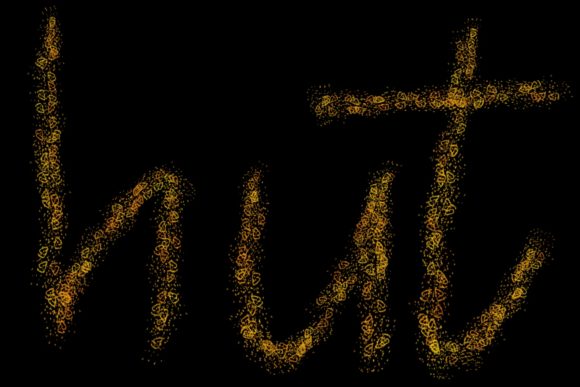
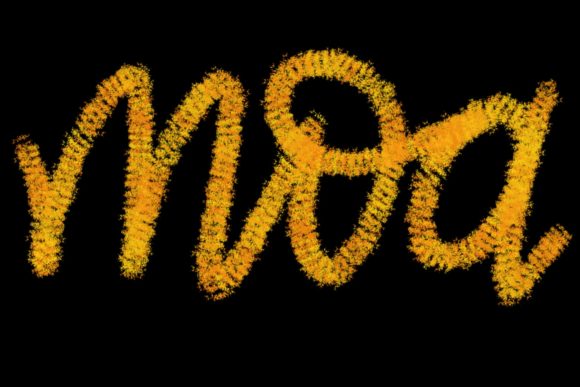
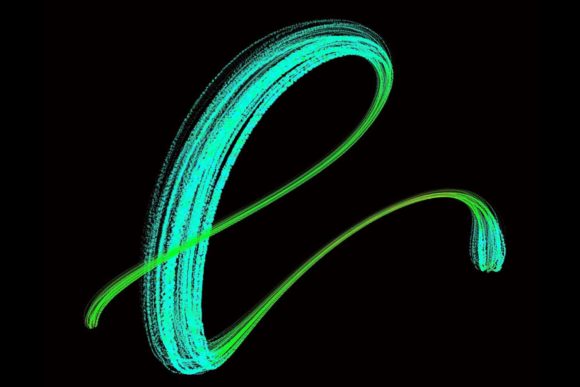
Although the primary marketing focus often highlights its utility for lettering and modern calligraphy, the brush’s capabilities extend far beyond typography. Its ability to create soft, diffused edges makes it an excellent choice for creating atmospheric backgrounds, dreamy landscapes, or subtle overlays that enhance the visual hierarchy of a design without overpowering the main subject. For professionals working in branding or social media content creation, this flexibility is invaluable. It allows for the rapid production of high-quality visuals that stand out in feeds dominated by sharp, vector-based graphics.
Practical Applications in Professional Workflows
For freelancers and small business owners, time efficiency is often as critical as artistic quality. The Clouds Brush for Procreate 5 and Above streamlines the process of adding texture and depth to projects. Consider the creation of wedding stationery or greeting cards. These items often require a delicate balance between elegance and warmth. Using this brush, designers can quickly generate soft, cloud-like backdrops that provide a perfect canvas for elegant lettering. The result is a cohesive design that feels curated and thoughtful, rather than assembled from disparate stock elements.
In the realm of logo design and brand identity, the brush offers a unique advantage. Many modern brands are moving away from cold, corporate aesthetics toward more approachable, organic visuals. The Clouds Brush for Procreate 5 and Above enables designers to incorporate soft, ethereal elements into logos or brand patterns. This can be particularly effective for businesses in the wellness, beauty, or lifestyle sectors, where conveying a sense of calm and tranquility is essential. By integrating these soft textures, creators can develop brand assets that resonate emotionally with their target audience.
Furthermore, the brush is highly effective for quote designs and social media graphics. In an era where visual content must capture attention within seconds, the addition of subtle texture can make a significant difference. The brush allows for the creation of layered effects, where text appears to float above or emerge from a soft, cloudy background. This technique adds dimensionality to otherwise flat designs, making them more engaging and visually interesting. For educators and bloggers who regularly produce visual aids or header images, this tool provides a quick way to elevate the professional appearance of their content.
Technical Requirements and Compatibility
It is imperative to understand the technical constraints before purchasing or downloading the Clouds Brush for Procreate 5 and Above. This tool is exclusively designed for the Procreate application on iPad devices. Specifically, it requires an iPad Pro and a compatible pressure-sensitive stylus, such as the Apple Pencil. The brush’s functionality relies heavily on the advanced pressure sensitivity and tilt recognition features found in these specific hardware combinations. Without this hardware, the brush cannot perform as intended, resulting in a flat, unresponsive stroke that lacks the dynamic range necessary for professional work.
Potential users should note that this brush is not suitable for Photoshop, Illustrator, or any other computer-based software. It is also incompatible with older versions of Procreate or iPads that do not support the necessary pressure sensitivity protocols. This limitation is not a drawback but rather a reflection of the brush’s specialized design. By optimizing the tool for a specific ecosystem, the developers ensure consistent performance and high-quality output. However, it does mean that users must be committed to the iPad Pro workflow to fully benefit from this asset. For those already invested in the Apple ecosystem, this requirement is likely already met, but it is a crucial consideration for beginners or those using alternative tablets.
Evaluating Usability and Long-Term Value
When assessing the long-term value of the Clouds Brush for Procreate 5 and Above, one must consider its versatility and ease of integration into existing workflows. The learning curve is minimal for anyone familiar with Procreate’s basic brush settings. However, mastering the nuances of pressure control may take some practice. Users are encouraged to experiment with different opacity levels and flow settings to achieve the desired effect. The brush’s consistency is a major strength; once the user understands how it responds to their specific drawing style, it becomes a reliable tool that can be depended upon for repeated use across multiple projects.
The quality of the brush also contributes to its longevity. Because it is hand-drawn and carefully calibrated, it does not suffer from the pixelation or artifacting issues that can plague lower-quality digital brushes. This ensures that designs created with the tool remain crisp and professional, even when scaled or printed. For professionals who produce physical products such as wedding invitations or printed posters, this reliability is essential. The brush maintains its integrity across various output formats, providing peace of mind that the final product will match the digital preview.
Moreover, the brush encourages creative exploration. Its unpredictable yet controllable nature invites users to experiment with layering, blending modes, and color combinations. This can lead to the discovery of new styles and techniques, keeping the creative process fresh and engaging. For serious hobbyists and professionals alike, this potential for ongoing creative growth adds significant value beyond the initial purchase price. It is not just a tool for completing tasks but a catalyst for artistic development.
Who Benefits Most from This Tool?
The Clouds Brush for Procreate 5 and Above is particularly well-suited for a specific segment of creators. Modern calligraphers and lettering artists will find it indispensable for adding context and atmosphere to their typographic work. Graphic designers who specialize in branding for lifestyle brands will appreciate its ability to soften corporate identities and add emotional resonance. Additionally, illustrators who focus on dreamy, ethereal, or romantic themes will find the brush aligns perfectly with their aesthetic goals.
However, it may be less useful for those who primarily work in hard-edge vector graphics, technical illustration, or photorealistic portraiture. While it can be used in these contexts for subtle background effects, its primary strengths lie in organic, soft-edged applications. Therefore, potential users should evaluate their current project needs and artistic style before committing to the tool. For those whose work involves frequent creation of greeting cards, social media content, or elegant stationary, the Clouds Brush for Procreate 5 and Above represents a strategic investment that can enhance both the quality and efficiency of their output.
In conclusion, the Clouds Brush for Procreate 5 and Above offers a compelling combination of artistic flexibility and technical reliability. By understanding its specific requirements and leveraging its unique characteristics, creators can unlock new possibilities in their digital work. It stands as a testament to the power of specialized tools in enhancing creative expression, providing a tangible link between the artist’s intent and the final visual result.