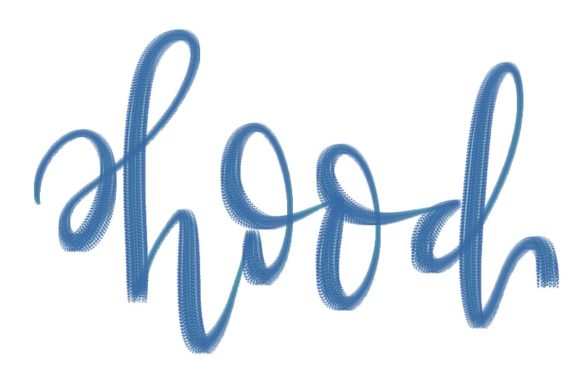
Mastering the Procreate Brush - Hood
Digital illustration thrives on texture and atmosphere. When you are building a scene, whether it is a moody urban landscape or a character portrait, the tools you choose define the emotional weight of your work. The Procreate Brush - Hood has emerged as a distinctive asset for artists who want to inject grit, depth, and organic imperfection into their digital canvases. Unlike standard round brushes that produce clean, uniform lines, this specialized tool offers a unique textural quality that mimics traditional media while leveraging the flexibility of iPad drawing.
For creators ranging from freelance illustrators to marketing designers, understanding how to wield this brush effectively can transform flat compositions into dynamic visual stories. It is not just about making marks; it is about controlling light, shadow, and mood with precision. This guide explores the practical applications of the Procreate Brush - Hood, offering actionable strategies to integrate it into your workflow without sacrificing clarity or consistency.
Understanding the Texture and Mechanics
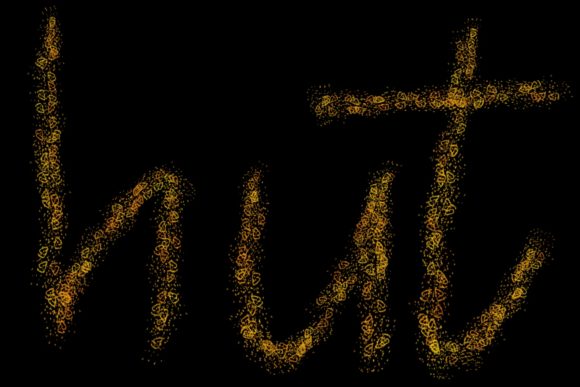
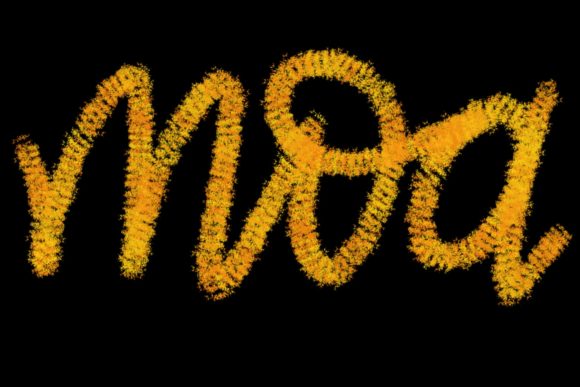
The core appeal of the Procreate Brush - Hood lies in its ability to break up digital sterility. Standard digital art can sometimes feel too perfect, lacking the happy accidents and granular details found in charcoal, graphite, or dry ink. This brush introduces a controlled roughness. It is designed to lay down pigment in a way that feels tactile, allowing underlying layers to peek through and creating natural transitions between tones.
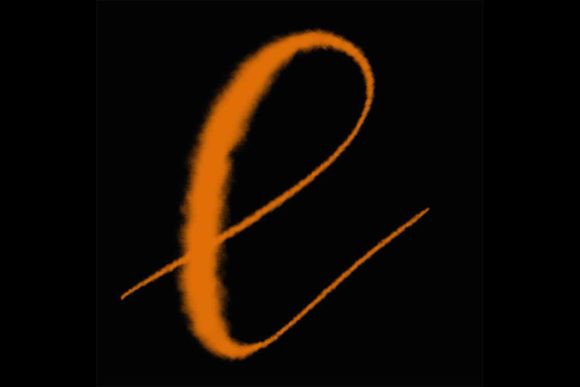
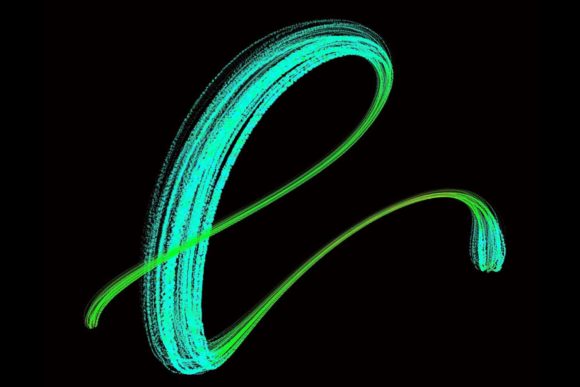
When you first test the brush, notice how it responds to pressure sensitivity. Light strokes produce a whisper of texture, ideal for subtle shading or atmospheric haze. Heavier pressure deposits denser pigment, suitable for defining forms and adding weight to shadows. This dynamic range is crucial for maintaining an organic feel throughout your piece. By mastering the pressure curve, you avoid the common pitfall of over-working an area, which can muddy the texture and lose the brush’s characteristic charm.
Creative Applications for Designers and Illustrators
The versatility of this tool extends beyond simple sketching. Different creative professionals can adapt the Procreate Brush - Hood to meet specific project goals. Here is how various users can leverage its unique properties:
- Concept Artists: Use the brush for rapid environment blocking. Its textural nature helps establish mood quickly, allowing you to iterate on lighting and composition without getting bogged down in fine details too early.
- Graphic Designers: Incorporate the brush into typography and poster design. Adding textured overlays to clean vector fonts creates a striking contrast that grabs attention in social media campaigns and print ads.
- Comic Creators: Apply it for shading and background elements. The irregular edges help separate foreground characters from backgrounds, adding depth without requiring complex rendering techniques.
- Educators and Bloggers: Create engaging header images or diagram annotations. The hand-drawn aesthetic feels approachable and human, making complex information more digestible for audiences.
Each of these applications relies on the brush’s ability to convey intentionality. A rough edge suggests movement or age; a soft, textured fill suggests warmth or memory. By aligning the brush’s behavior with your narrative intent, you elevate the communication power of your visuals.
Techniques for Consistent and Clean Results
While texture is desirable, chaos is not. One of the biggest challenges when using textured brushes like the Procreate Brush - Hood is maintaining readability. If every element in your illustration competes for attention with heavy grain, the viewer’s eye has nowhere to rest. To keep your results effective and organized, consider these practical approaches:
- Layer Management: Keep your textured brushwork on separate layers from your line art or base colors. This allows you to adjust opacity and blending modes independently. Using "Multiply" for shadows and "Overlay" for highlights can integrate the texture seamlessly without overpowering the base image.
- Strategic Restraint: Do not use the brush everywhere. Reserve its most prominent textures for focal points. Areas meant to recede should have smoother transitions or lower opacity. This hierarchy guides the viewer’s gaze and prevents visual fatigue.
- Color Harmony: Textured brushes often reveal more of the underlying color. Ensure your palette is cohesive before applying heavy texture. Clashing colors become more apparent when broken up by grain, so test your combinations on a small scale first.
- Edge Control: Use a eraser with a soft edge to clean up boundaries where the texture spills out of intended shapes. This maintains the organic feel internally while keeping the overall composition tidy and professional.
These techniques ensure that the Procreate Brush - Hood serves your vision rather than dictating it. The goal is enhanced expression, not accidental messiness.
Adapting Styles for Different Platforms
Your audience consumes content on various devices, from high-resolution desktop monitors to small mobile screens. The way you apply the Procreate Brush - Hood should adapt to these contexts. For social media thumbnails, bold, high-contrast textures work best because they remain visible at small sizes. Intricate, subtle grain may get lost in compression algorithms or on low-resolution displays.
Conversely, for print projects or high-end digital portfolios, you can exploit the full nuance of the brush. Fine details and subtle tonal shifts become appreciable when viewed at larger scales or in physical form. Always export a test version and view it on the target device. If the texture looks noisy or distracting on a phone screen, simplify your approach by reducing layer opacity or using fewer passes.
Marketers and entrepreneurs should note that brand consistency matters. If you adopt this brush style for one campaign, consider how it fits within your broader visual identity. You might create a custom preset that saves your preferred opacity and size settings, ensuring that every piece of content feels part of a unified whole. This consistency builds recognition and trust with your audience.
Finding Inspiration and Avoiding Burnout
Creativity requires fuel. When working with a specific tool like the Procreate Brush - Hood, it is easy to fall into repetitive patterns. To keep your work fresh, look outside digital art for inspiration. Study old photographs, architectural concrete, weathered wood, or fabric weaves. Observe how light interacts with rough surfaces in the real world. Try to replicate those observations using the brush’s capabilities.
Challenge yourself with constraints. Limit your palette to three colors. Restrict yourself to one layer. Force innovation by removing options. These exercises sharpen your skills and reveal new ways to use the tool. Additionally, share your process with peers. Feedback from other creators can highlight blind spots and suggest techniques you might not have considered.
Remember that tools are merely extensions of your intent. The Procreate Brush - Hood is powerful because it bridges the gap between digital precision and analog soul. By approaching it with curiosity and discipline, you can create work that resonates deeply with viewers. Whether you are designing a logo, illustrating a book, or sketching ideas for a new product, let the texture serve the story. Keep experimenting, stay organized, and trust your artistic instincts.